 Free · Contains ads
Contacts Grouping Lite
Organize contact groups and find the people you need. Get started with a free download.
CONTACTS, WITH A LITTLE MORE CLARITY
Work, friends, family. Give every contact a place — and make your next conversation easier to start.
Free download · Contains ads
 Free · Contains adsFor iPhone and iPad
A little order. A better connection.
Work with the address book you already use.
Bring work and everyday life into focus.
Connect through Mail, Messages and Phone.
Choose your app
Two ways to organize the contacts already on your iPhone and iPad.
Free · Contains adsOrganize contact groups and find the people you need. Get started with a free download.
 Standard · No ads
Manage your contacts and groups in the standard edition, with no advertising.
Lite is free to download and contains ads. Check the App Store for current pricing and in-app purchase details.
EVERY CONTACT HAS A PLACE
See your groups and contacts together. A straightforward overview keeps the people you need within reach.
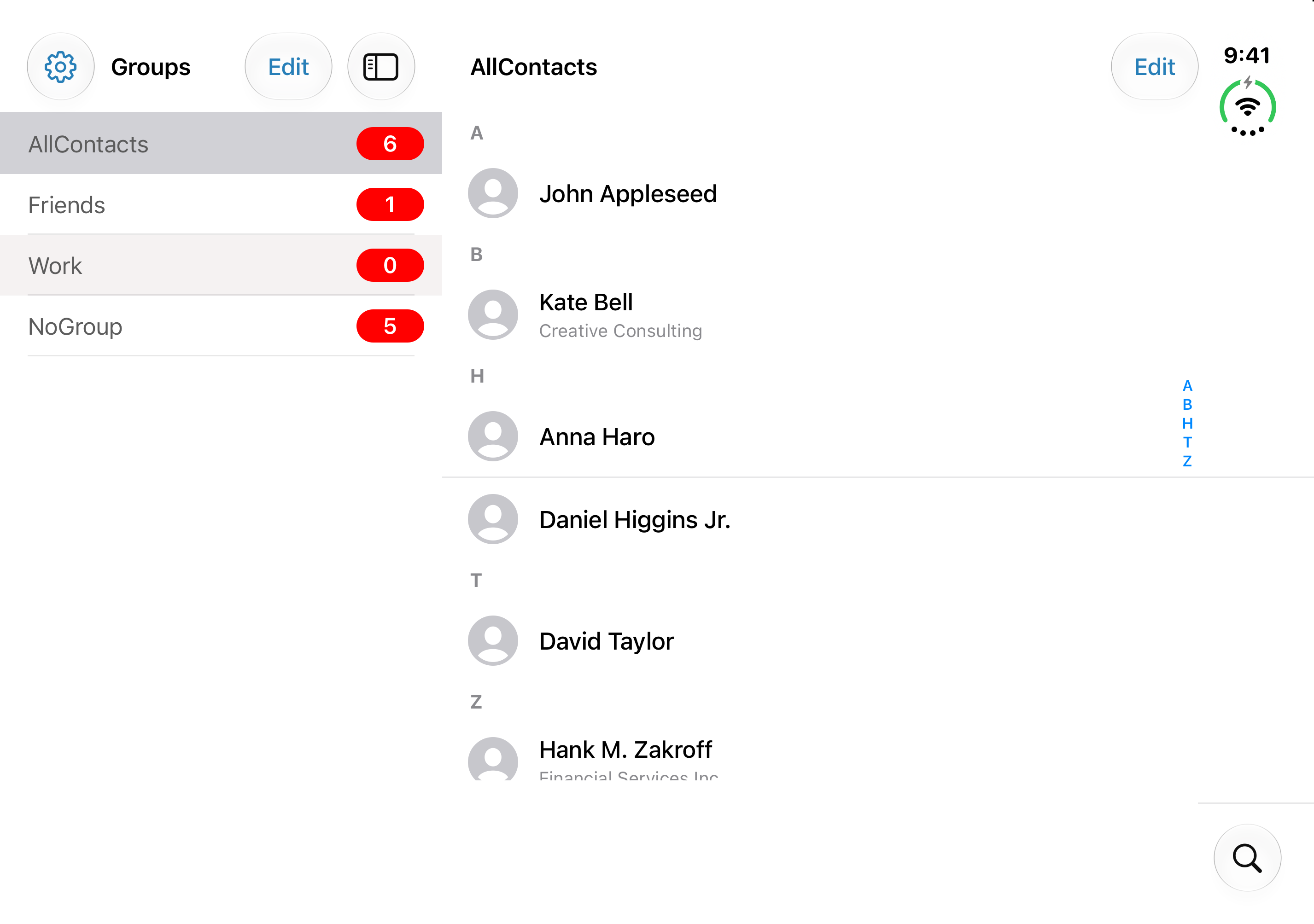

Screens show the upcoming interface refresh. Check the App Store for the currently available version.
FROM A GROUP TO A CONVERSATION
Choose who to reach, then let your familiar system apps handle the conversation. Grouping helps you get organized before you get in touch.
Bring the right people together.
Review who you’re about to contact.
Use system Mail or Messages to send.
Email and SMS availability depends on your device and system app setup.
A CLEARER VIEW, IN EITHER LIGHT
Explore the next look of Grouping. Switch between Light and Dark to find the view that feels right for you.
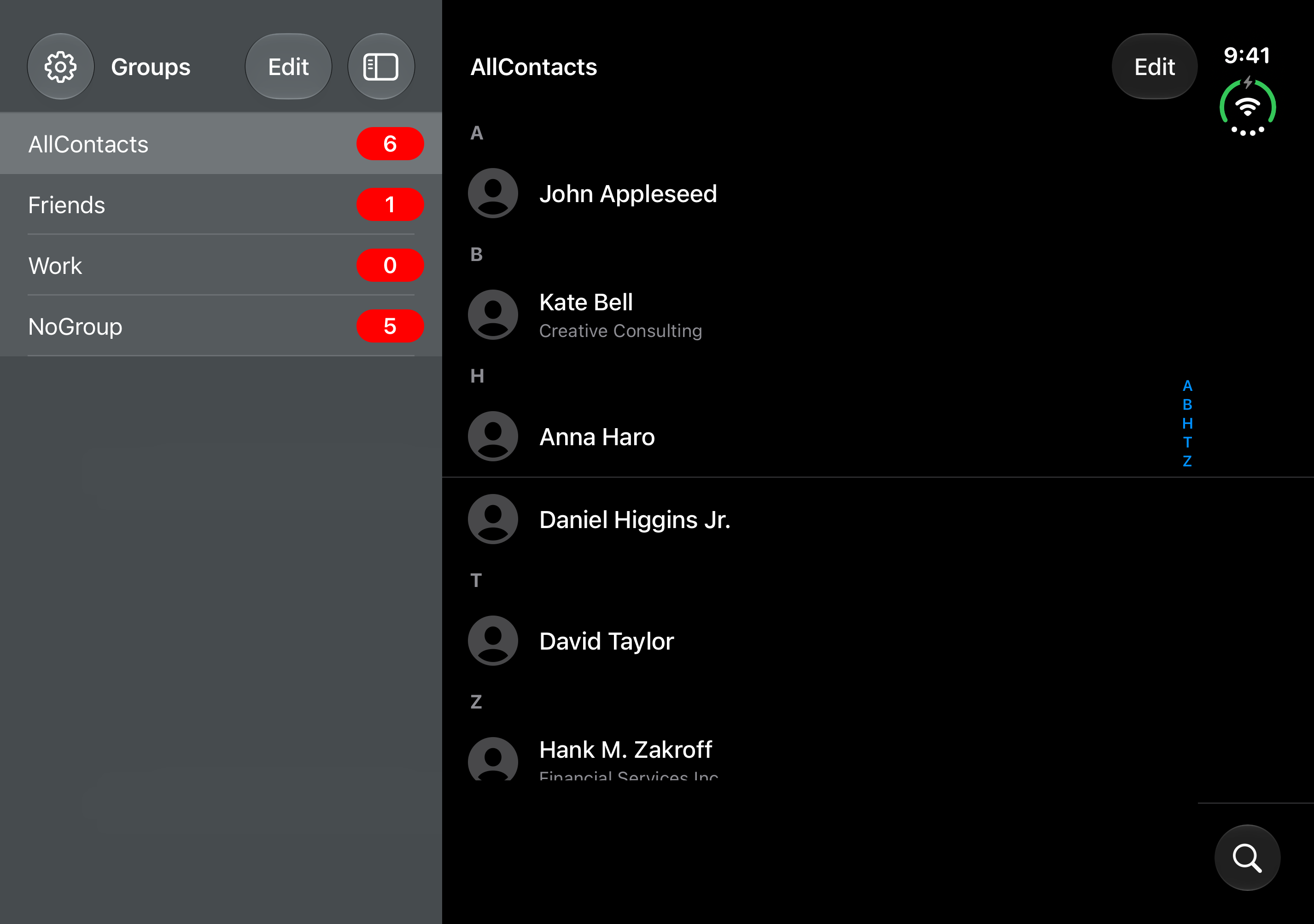
Screens show the upcoming interface refresh. Check the App Store for the currently available version.
A FEW THINGS TO KNOW
Contacts access lets Grouping display and manage the contacts and groups in your address book. You can control this permission in your device’s Settings. See the Privacy Policy for details about information handling.
Privacy PolicyGrouping uses system features such as Mail and Messages to help you contact people. It does not provide a separate in-app chat service.
Group options depend on the account that stores your contacts. Some account types may not support creating or changing groups.
The screens on this page preview the upcoming interface refresh. The App Store listing shows the version available to download now.
Yes. Contacts Grouping Lite contains advertising. Please check the App Store for current availability and purchase details.
A more thoughtful way to organize the people in your address book.
For iPhone and iPad